In my constant search to improve and speed up my design processes, I recently had the opportunity to try Krea.ai, a platform that uses artificial intelligence to generate and improve images. I always like to take advantage of the free tool tests to see if they're worth it and take the most out. I'm always testing new tools to see how they can integrate into my creative workflows, and on this occasion, I wanted to explore two of the key features that Krea.ai.
What is Krea.ai?
Krea.ai is a design tool that allows you to create images from scratch using IA. Its intuitive interface is designed for designers and creators to generate images based on different styles, such as realistic, anime, illustration and more. In addition, the platform not only allows you to create images, but also gives you the possibility to improve or adjust them to new environments.
If you are a graphic designer, illustrator or simply someone interested in the images generated by IA, Krea.ai offers a quick way to explore different visual ideas without having to start from a blank canvas.
Function test: Generate
First, I decided to test the function. Generate. This option allows you to create images from textual descriptions, selecting the style that interests you most.
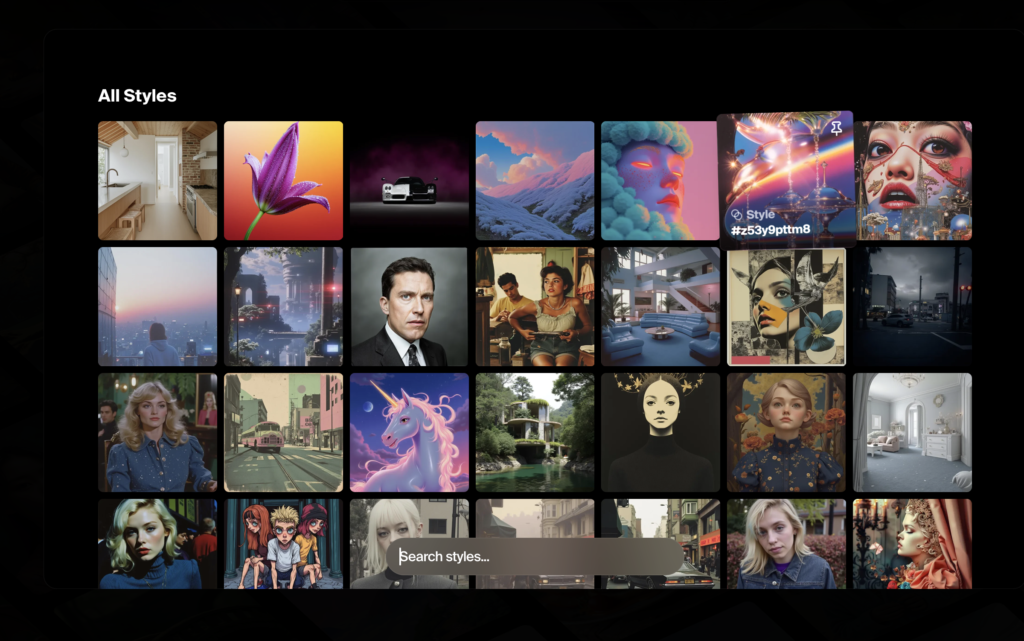
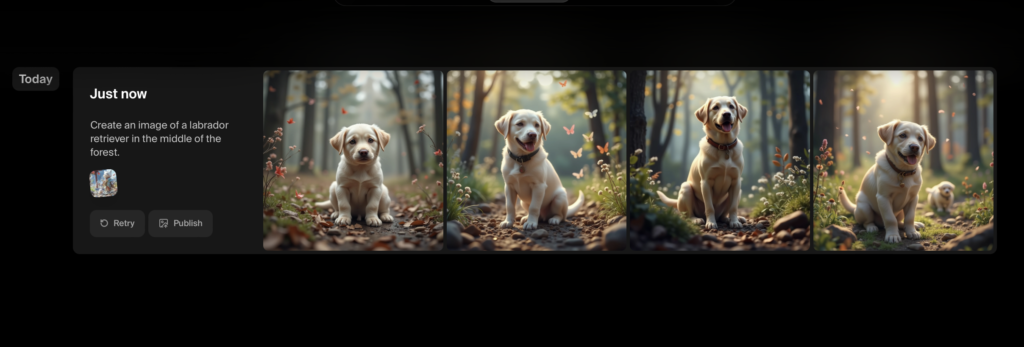
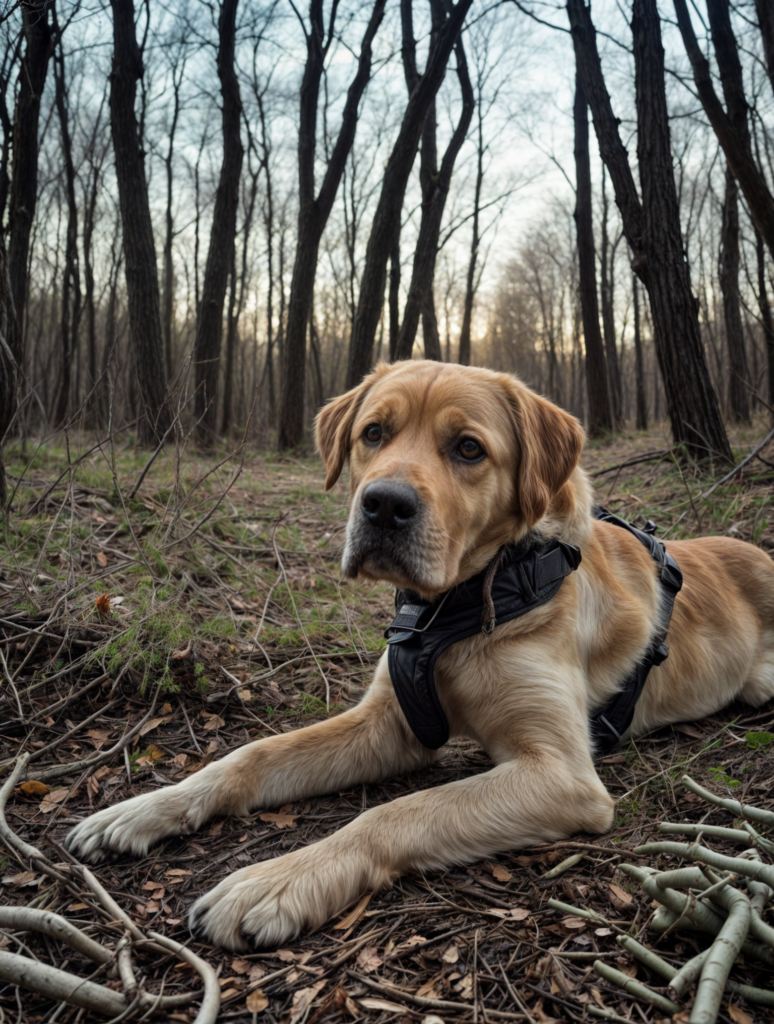
Once I defined the style, I decided I wanted him to give me. In my case, I chose a realistic style and generated an image of a Labrador dog in the middle of a forest. I show you the images he proposed to me:
The interesting thing about this functionality is that you can perfect the initial image by adding more elements. So I tried to incorporate a rabbit I also added details, such as a blue necklace for the dog. By thus profiling the idea a little more and seeing to what extent it was able to get the details. And it was like this:
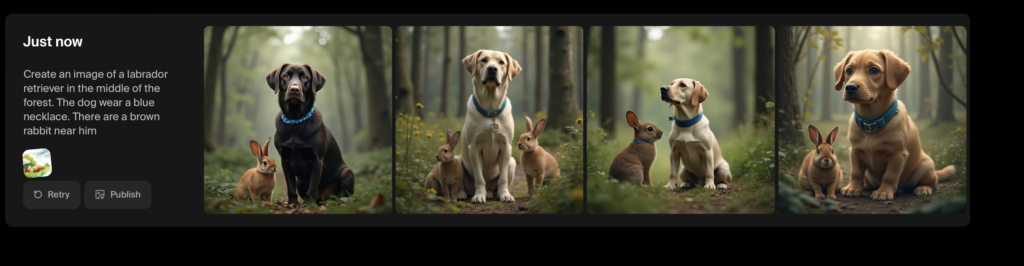
The ability of the IA to generate these variations was quite precise and fast, allowing me to visualize different versions of an idea without having to do manual retouches.
I really think he's got some very interesting results. Don't you think?
Function test: Enhance
Another function that caught my attention is Enhance, which allows improve existing images and adapt them to new backgrounds or styles.
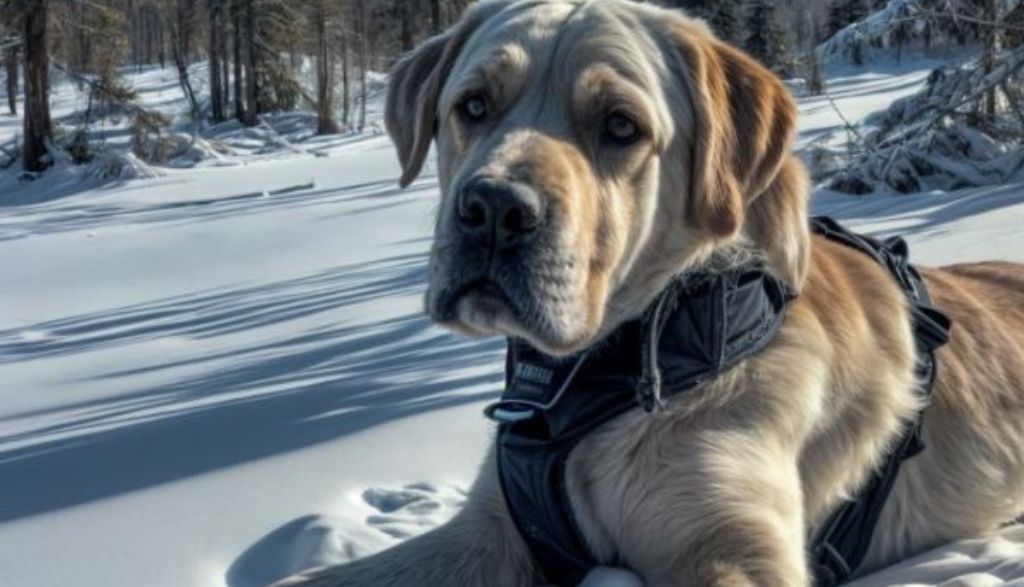
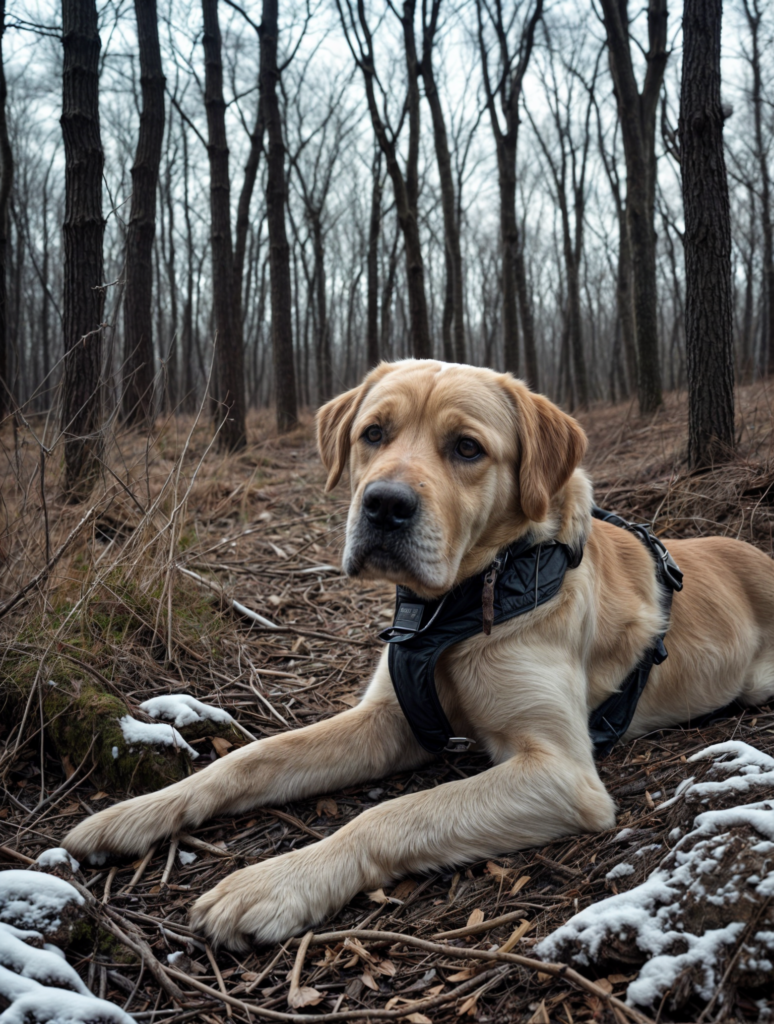
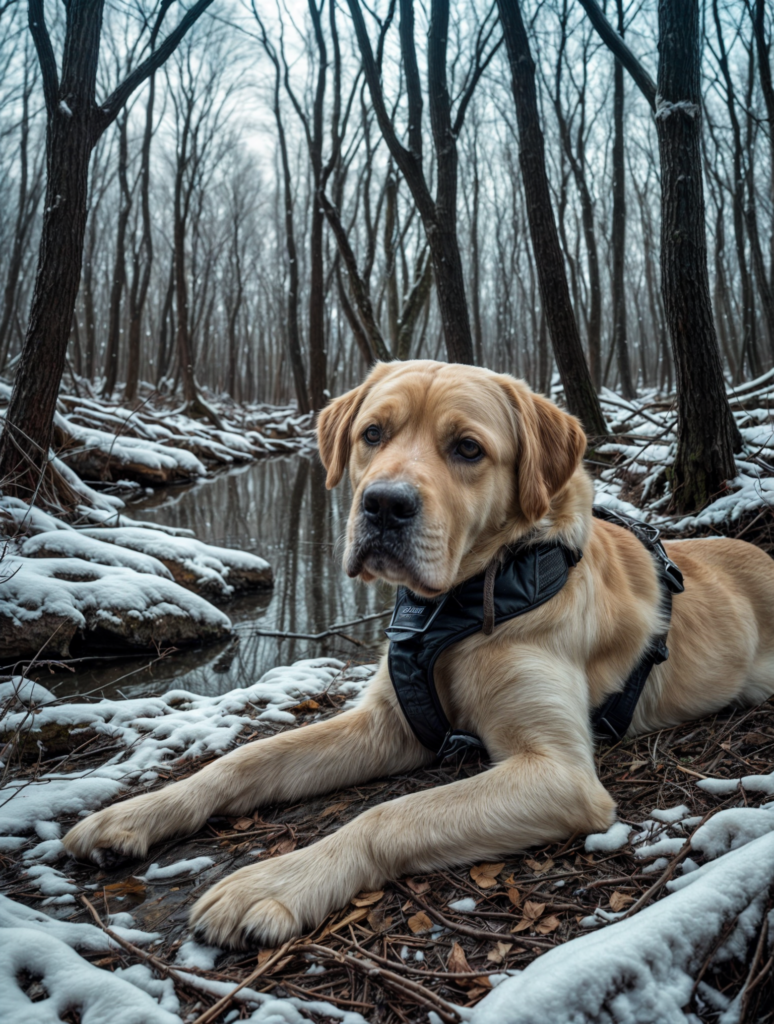
I decided to use this option to give a winter touch to my dog's image, creating a version where the forest was covered in snow. Krea.ai not only adjusted the ambimentation, but also allowed me to generate several versions of the same concept, each with slight variations of light and focus.
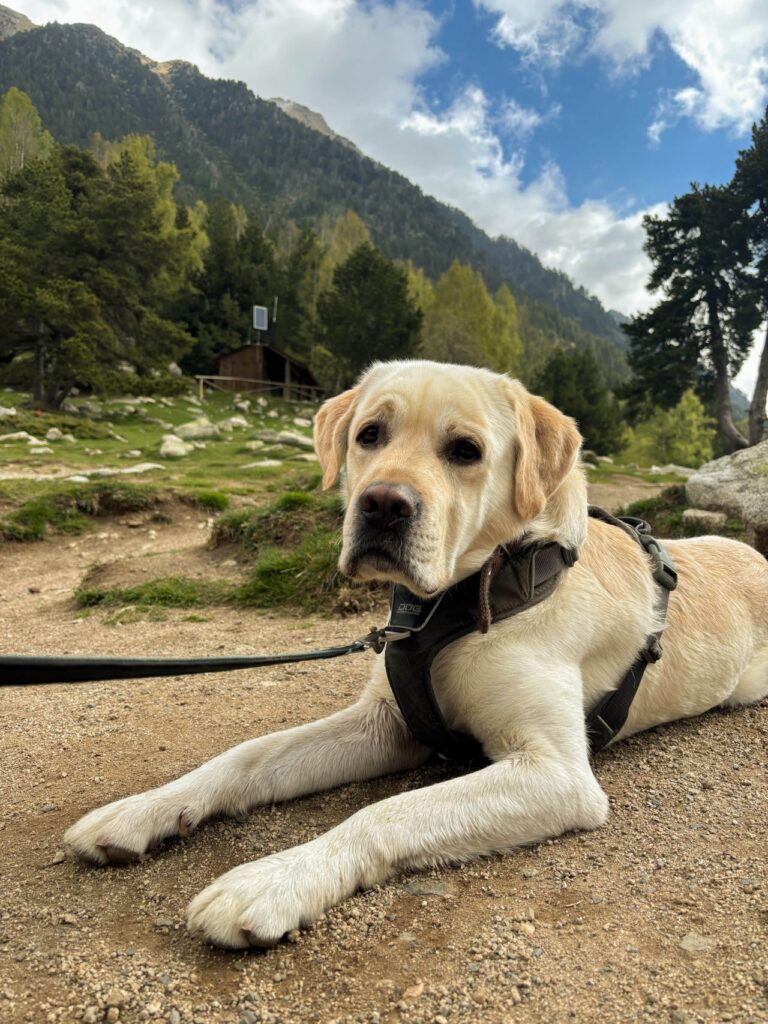
First of all it is important that the image that selections is of good quality and resolution. So you can correctly detect the element and define it in the new image proposal. In my case I provided an image of my dog in close-up:
Then I defined very well what I wanted the next image and the location of the dog in it. I mean, I made a little description. «The dog has to be in the middle of the snowy mountain. In the center of the image». For this, I always advise you to do so in English, as you understand much better and give better proposals.
Then I leave you the image you gave me of my dog in the snow:
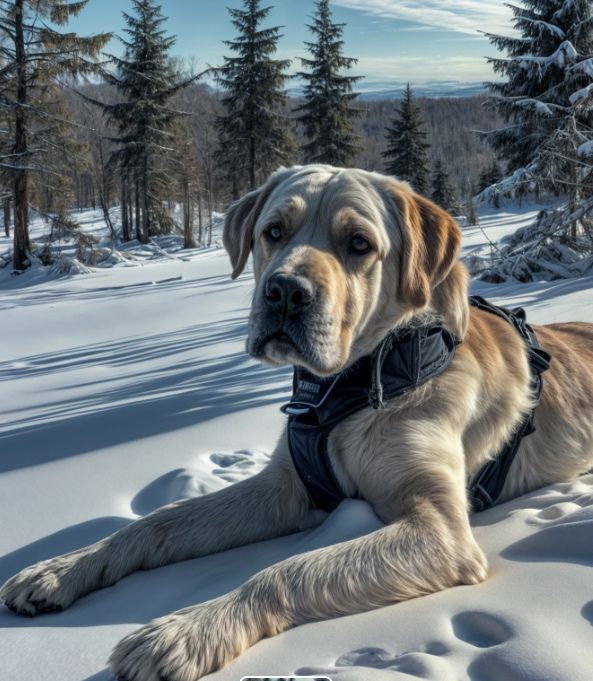
I have to say, I liked to do different tests to see which of them was more in line with a realistic version, without too much distorting the image of the dog or getting away from reality.
Krea.ai's implementation in my projects
After testing both functionalities, it is clear to me that Krea.ai has an enormous potential to speed up creative processes, especially in projects where experimentation with different visual ideas is key. The fact that you can generate images and improve them so easily allows you to save time and explore alternatives without effort.
In my case, I am considering integrating this tool into future design projects, not only to create initial sketches, but also to improve and refine visual details without having to resort to tedious manual work.
If you are a designer or creative, I recommend giving you a chance to Krea.ai. The functions of the Generate and Enhance They allow you to experiment with your ideas and take them to another level. Do you encourage yourself to try it?
UX / IU Designer and Digital Marketing Specialist
Creating intuitive experiences and effective strategies.