The tools of artificial intelligence (IA) for image creation have revolutionized the way designers, content creators and even the general public can generate graphics. However, despite their ease of use and the visual quality they can offer, it is essential to be careful and critical of the results they produce.
Although the images generated by IA may seem surprising to the naked eye, they may sometimes present subtle errors or imperfections that affect their realism and final quality. So, today I want to tell you a little more about what things I look at so I can have a good result.
Small Imperfections in Images Generated by IA
One of the main reasons for careful observation of IA images is that they often include details that might seem minimal, but that when analyzing them, they are unusual or simply incorrect. Some of these elements include:
- Facial Distortions: faces may show deformations or strange proportions, especially in areas such as eyes and mouth. Even sometimes strange postures and facial marks.
- Rare or bright effects: additional shines may appear in places where there should be no strange reflections or flashes that break with the aesthetics of the image. The glows, they can appear mainly on the face, which makes in some cases the image more «idealized» and far from reality.
- Unlikely:: Although at first sight the pose of a person or an animal seems correct, by looking at it more closely, the extremities, posture or direction of the look may not follow a realistic logic.
These imperfections can affect the effectiveness of the image, as when using it, these "failures" can subtract professionalism and give an impression of neglect.
What details should we set when reviewing an IA-generated image?
Some of the key aspects to be taken into account when working with images generated by IA to ensure that the final result is of the best possible quality:
Number of Fingers in the Hands
The hands are one of the most difficult aspects to generate properly. The IA often produces hands with incorrect finger numbers or unnatural positions. It is always recommended to check each hand in the image to make sure that it has five fingers and that they are placed in a natural position.
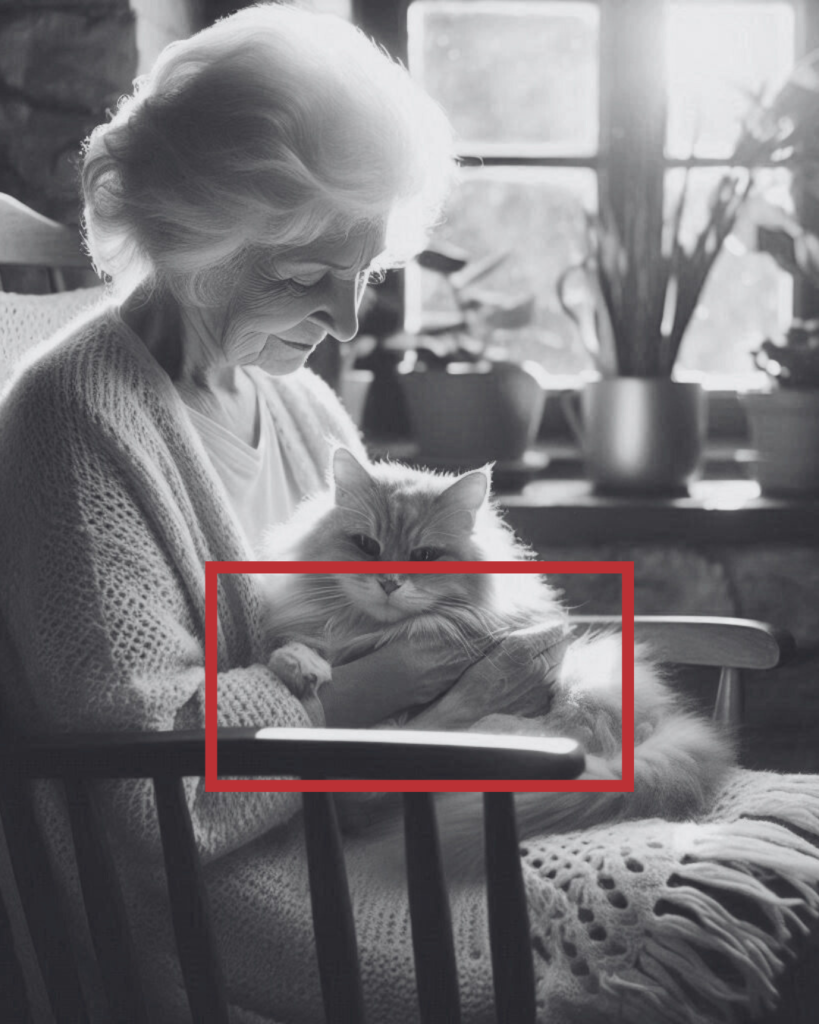
In this case, I will give you the example of an image in which the position of the hand is «upside down» of the natural.
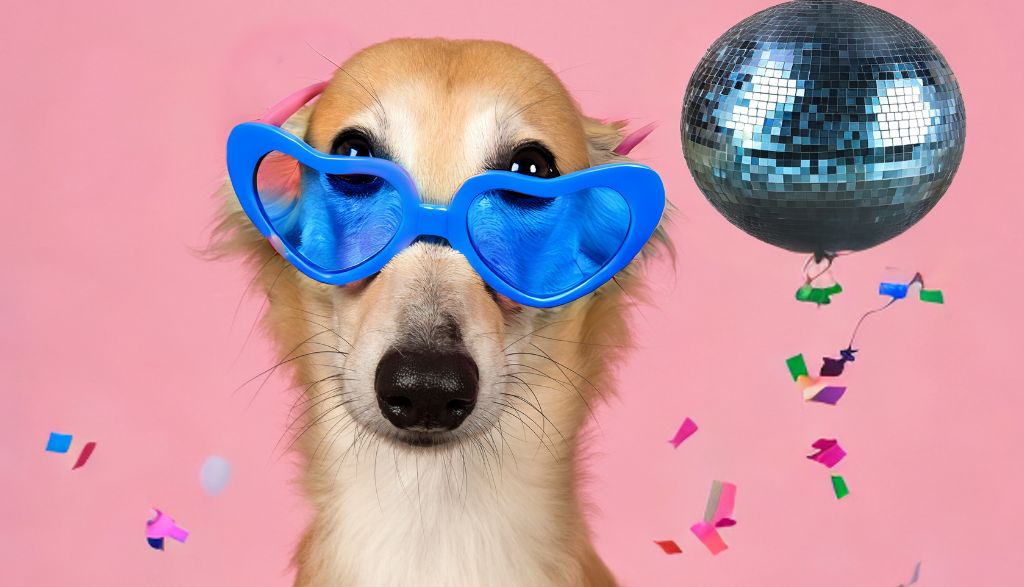
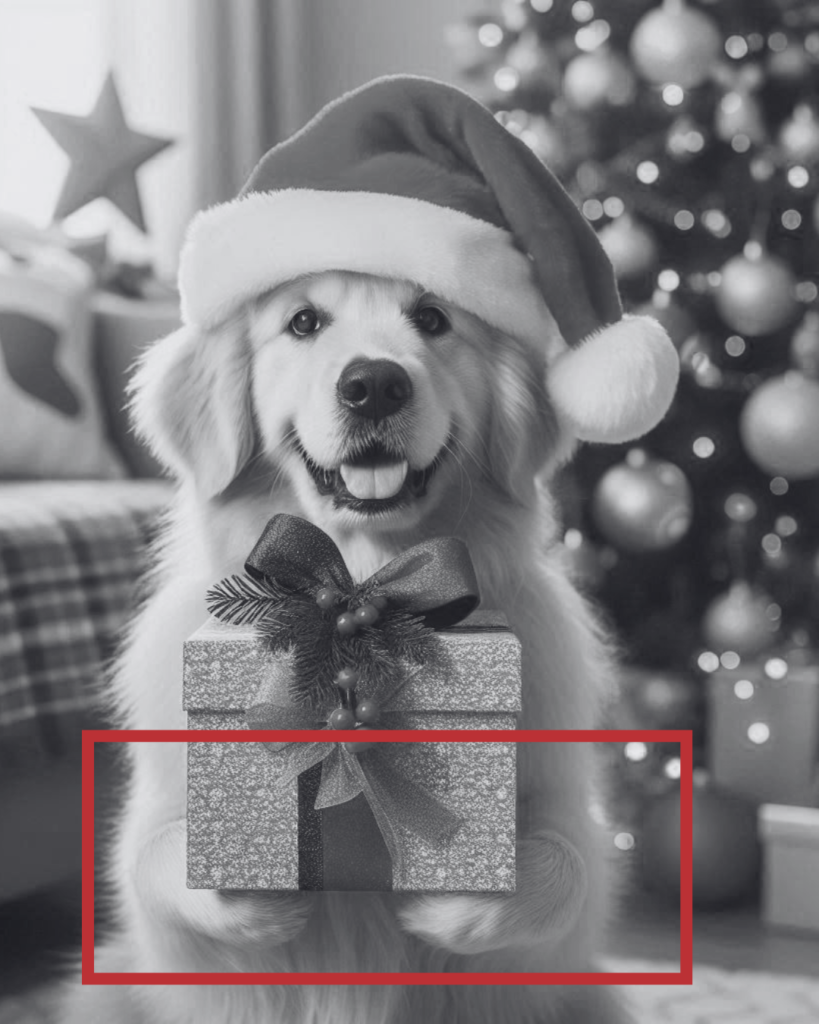
On the other hand, I will give you the example of the doggy that has a pose too humanized, as he is taking a gift in an unnatural way.
Elements in the Fund
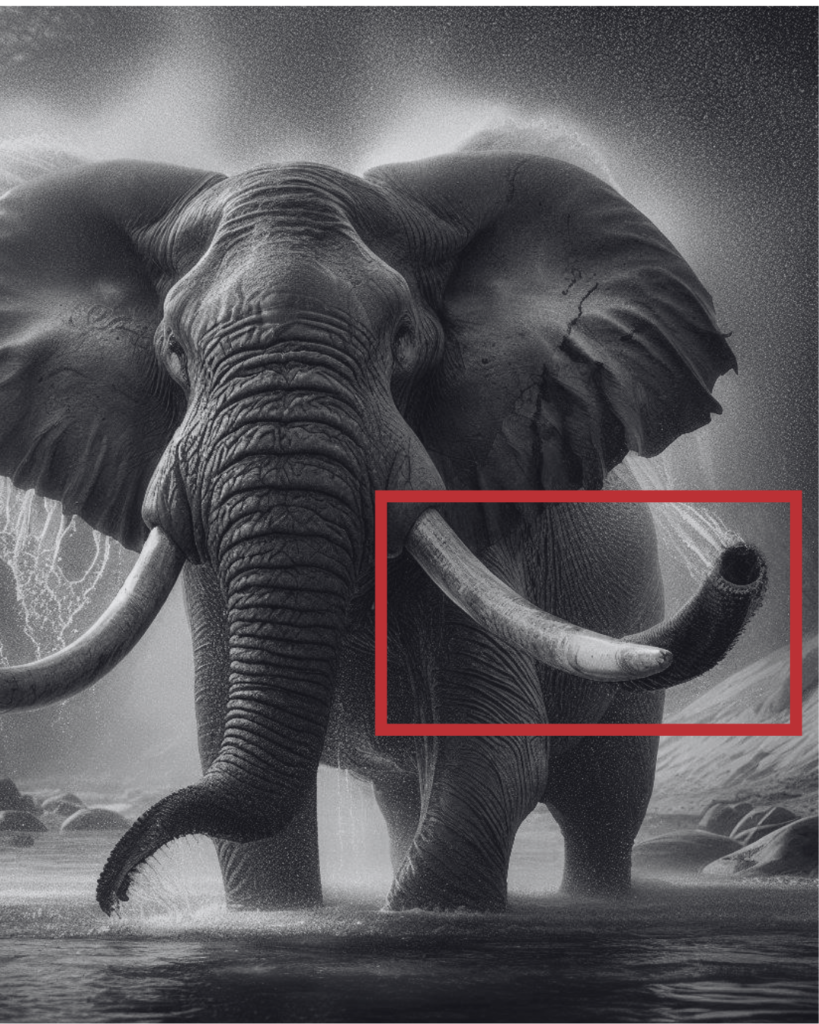
Funds may contain elements that should not be there or that are unreal. For example, if the image shows an outdoor scene, make sure that the background does not have distorted details or floating elements that break with the aesthetic of the composition. It is also important to verify that there are no objects that appear to be duplicates or textures that are artificially repeated.
For example, if you look at the elephant you can see that it has two tubes:
The Direction of the Mirada
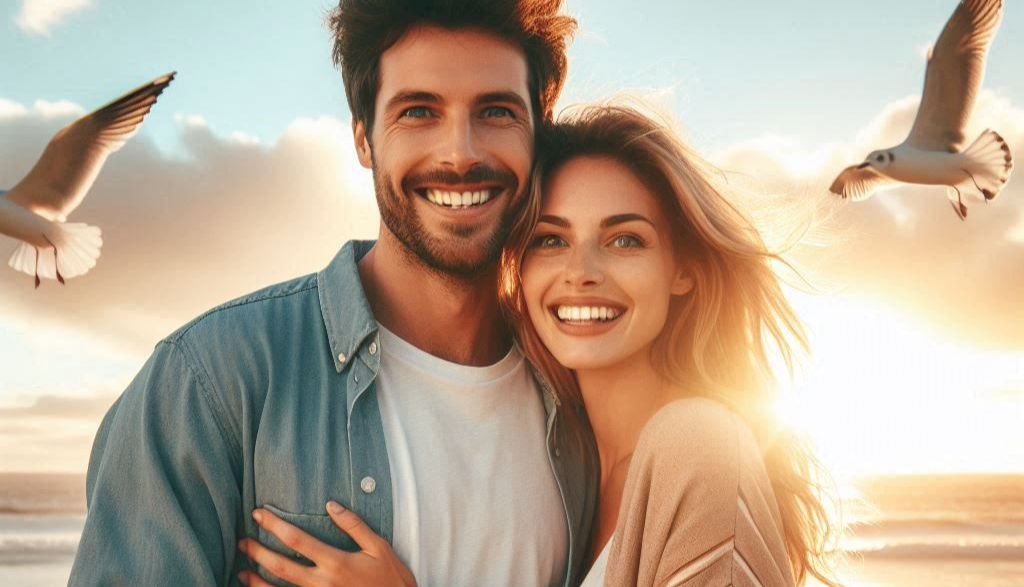
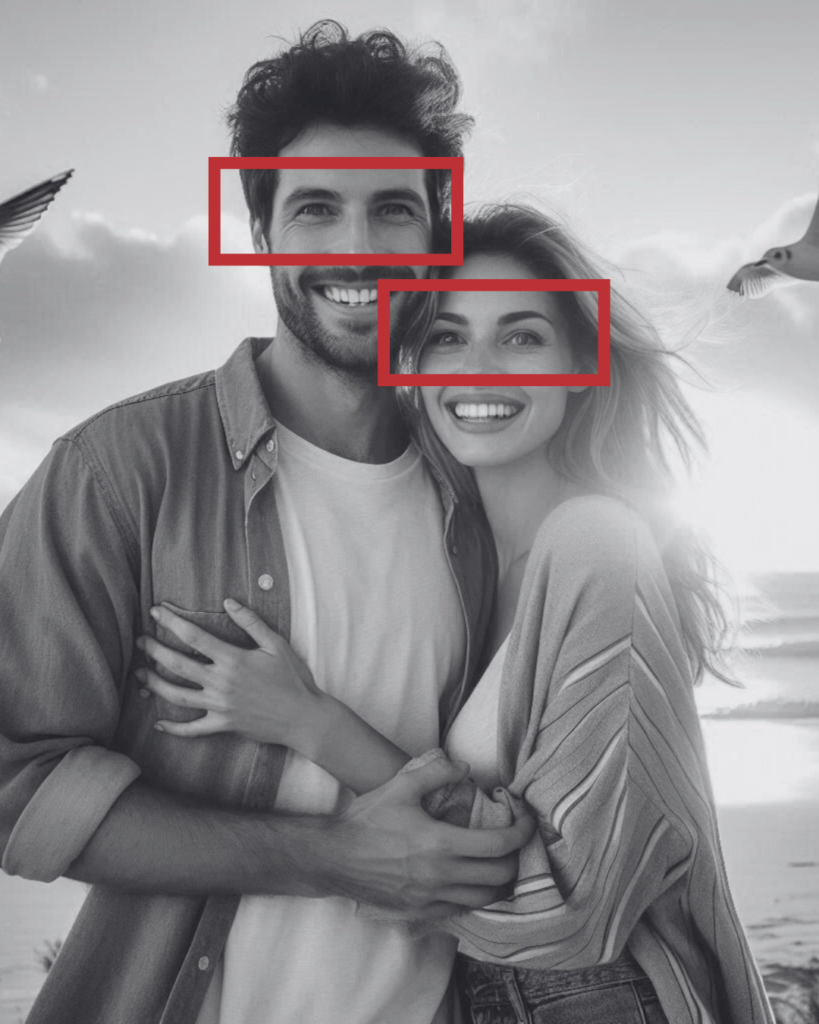
Another crucial element is the direction of the look in the characters or people within the image. Sometimes, IA generates inexpressive or unfocused looks. To check that the eyes are logically directed to a point, either looking at the camera or following the general approach of the image, will help make the image look more realistic.
Shines on the Face and Skin
The glow in the face and skin areas must be seen natural and in accordance with the light source in the image. The images generated by IA may include flashes or shadows in areas where light should not be impacting. This gives the image an artificial appearance, especially if the skin seems too bright or has strange reflexes.
In this case, you can see that the looks do not end up being «realistic». The same applies to the fractions of the face, which have neither wrinkles nor any imperfection:
The Invisible Water Mark in Images Generated by IA
In addition to visual imperfections, there is a less known but important aspect that affects the images generated by artificial intelligence: Invisible water mark. This is a digital trail that is embedded in the image and which, although not visible to the naked eye, allows to identify if it has been created by an IA generator.
This brand is similar to those added in stock photographs to protect copyright, but in this case it does not affect the visual aspect of the image.
Why Is An Invisible Water Mark Used?
The internal watermark or invisible has various purposes, including:
- Authenticity and tracing: Facilitates the tracking of images on the Internet, allowing their origin to be identified even if they have been altered or cut.
- Protection of rights and securityIt helps prevent the abuse of the images generated, which is especially useful in protecting copyright from content creators.
- Content identification generated by IA: With increased images deepfake and manipulated content, this brand facilitates the distinction between real photographs and those generated by IA, which is vital to avoid fraud or misinformation.
Although not visible to the naked eye, the watermark is integrated into the image code at pixel level and can be detected with specific tools or software that identifies these patterns. This type of brand can include unique metadata that reveal the use of IA or the model that generated the image, which can be useful in legal or verification contexts.
Although the image generation with IA It facilitates the creation of unique graphics, it is essential to be critical and to review the details carefully before using them in a professional project. Hands, funds, look addresses and shines are just some of the aspects to watch to avoid unrealistic results.
As these tools evolve, these errors will probably be less and less frequent, but until then, a good critical eye is the best tool to ensure that the image generated with IA is useful, realistic and of quality.

UX / IU Designer and Digital Marketing Specialist
Creating intuitive experiences and effective strategies.