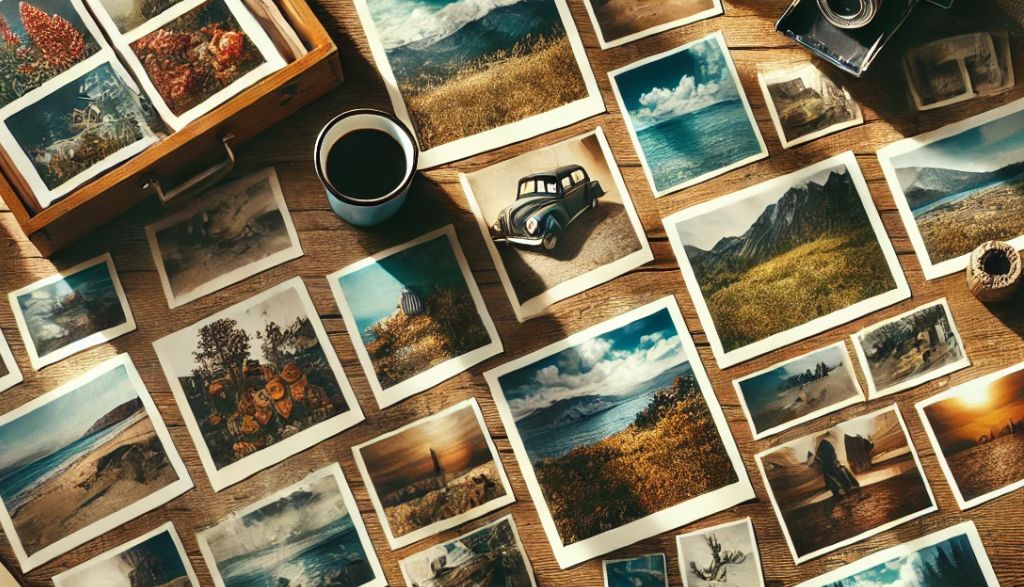
In the digital age, design and web development projects need graphic resources that complement their visual message. Fortunately, there are a number of high-quality image libraries that facilitate the task of finding photographs, vectors and illustrations. Platforms such as Unsplash, Pexels, Pixabay, Freepik and Vecteezy offer thousands of options, many of them free, that help to enhance the creativity and visual impact of any project.
I'll tell you more about some of the platforms I use most in my design projects:
Unsplash: High Quality and Professional Style Images
Unsplash has become one of the most recognized image libraries for the high quality and style of their photographs. The platform offers a wide variety of images, mainly focused on artistic and professional photography. Ideal for content designers and creators, Unsplash allows you to download images at no cost and use them in personal and commercial projects, always respecting your license.
Highlights of Unsplash:
- A wide variety of images in high resolution.
- Artistic and professional photographs that stand out for their unique style.
- Free use in commercial projects, without attribution (although recommended).
- Hashtags that help search for related
- Large variety of material in illustration format

Pexels: Photos and Videos
Pexels is another widely used graphic resource platform that offers professional photos and videos. Similar to Unsplash, it allows free download of content without the need for attribution. The advantage of Pexels is that, in addition to images, it provides video clips, making it an excellent option for multimedia and social media projects.
Benefits of Pexels:
- High-quality photos and videos.
- Intuitive navigation and search based on keywords.
- Search for related concepts that help find other images
- Filtered to find material

Pixabay: Image Bank, Videos and Vectorial Graphics
Pixabay is highlighted by the wide variety of resources that includes, in addition to photographs and videos, vector graphics and music. A remarkable feature of Pixabay is its integration with Cava, an online editing tool, which allows users to customize images directly before downloading them, optimizing editing time for visual projects.
Features of Pixabay:
- It offers photos, vectors, videos and music.
- Integration with Cava for online editing.
- Thousands of free options and flexible license for commercial use.

In addition, having the edition integration with CANVA allows to make more of the images:

Freepik: The Library of Images and Vectors with Integrated Edition
Freepik has been positioned as an essential tool for graphic designers, as it offers not only photographs, but also a wide collection of vectors, icons and templates. In addition, Freepik allows you to edit certain resources directly on your platform before downloading them, which is very convenient to customize graphics without additional software.
Highlights of Freepik:
- Wide library of photos, vectors and icons.
- Online editing options within the platform.
- It offers free and premium resources with a commercial license.

In this case, it integrates the functionality of editing the images online:

Vecteezy: Images and Vectors in Styles Variety
Vecteezy is known for its large selection of vectors, although it also offers photos and videos. This platform is ideal for those looking for graphics in different styles, from cartoons to professional illustrations. Vecteezy stands out for its variety of filters, allowing a more specific search based on style, color and orientation.
Key features of Vecteezy:
- Ideal for finding stylised vectors and graphics.
- Wide search filters that facilitate selection.
- Free and premium download option.

Choosing the right image library depends on the specific needs of your project. If you're looking for artistic photographs, Unsplash is a great choice; for high-quality videos and photos, Pexels and Pixabay They're excellent alternatives. If you need vectors and customization on the same platform, Freepik and Vecteezy offer complete tools that will improve your workflow.
Each of these platforms is adapted to different creative objectives, so combining them can be an excellent strategy to optimize your graphic resources on web projects, social networks and graphic design. Start exploring these tools and give your projects a visual boost!
UX / IU Designer and Digital Marketing Specialist
Creating intuitive experiences and effective strategies.