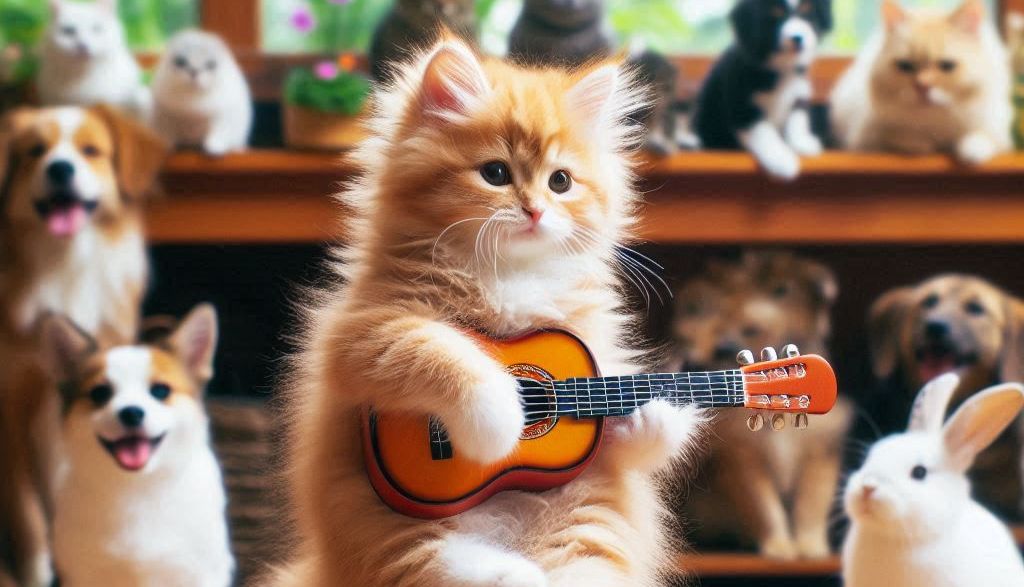
Today I want to test different artificial intelligence tools (IA) to create the image of «a cat playing guitar». Because, who doesn't love kittens? Let's see which tools provide the best images and which is the most suitable for our creative projects.
CANVA and its Image Generator with IA
The first tool I tried was Cava. I have already spoken before the incredible features of A that has CovaAnd I'm not disappointed on this occasion. When I asked for the image of the cat playing the guitar, Cova offered me several versions of the cat in different styles. From comic-type drawings to more artistic versions, I was surprised by the versatility of this platform.
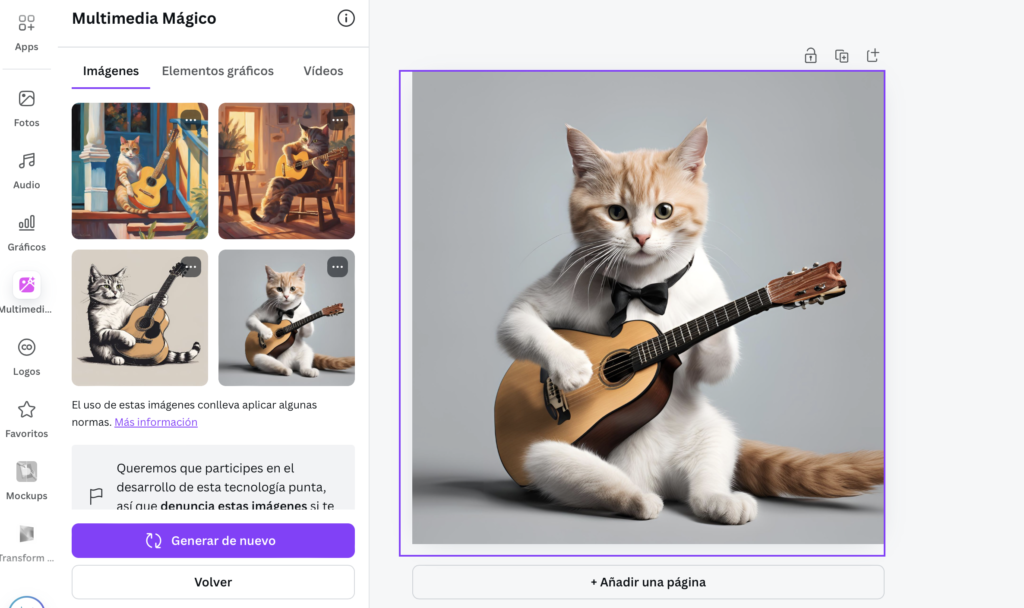
Cava not only allows you to generate images from scratch, but also includes other IA functionalities, like creating automatic presentations and editing photos with the «magic draft». You can customize the styles of the images and play with the details until you get what you're looking for. It is certainly a very complete option for design projects, for both beginners and professionals.
Adobe Firefly generating images with IA
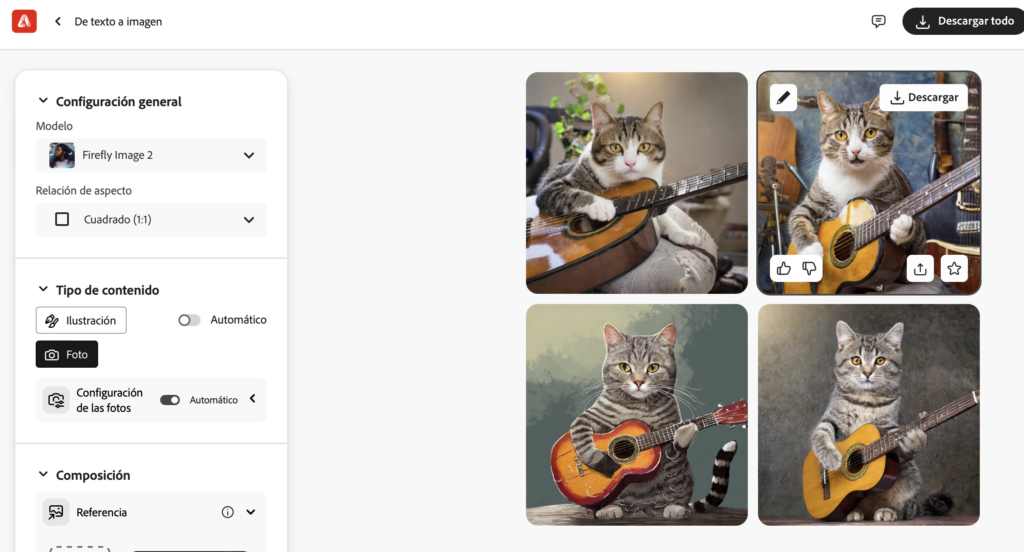
Then I decided to try the IA of Adobe Firefly, a tool that promises impressive visual results. In my first attempt, Firefly offered me versions of «cat playing guitar» with an illustrated or drawn style. The resulting images seemed to come out of a story book, which was great, but I wanted to see what else I could offer.
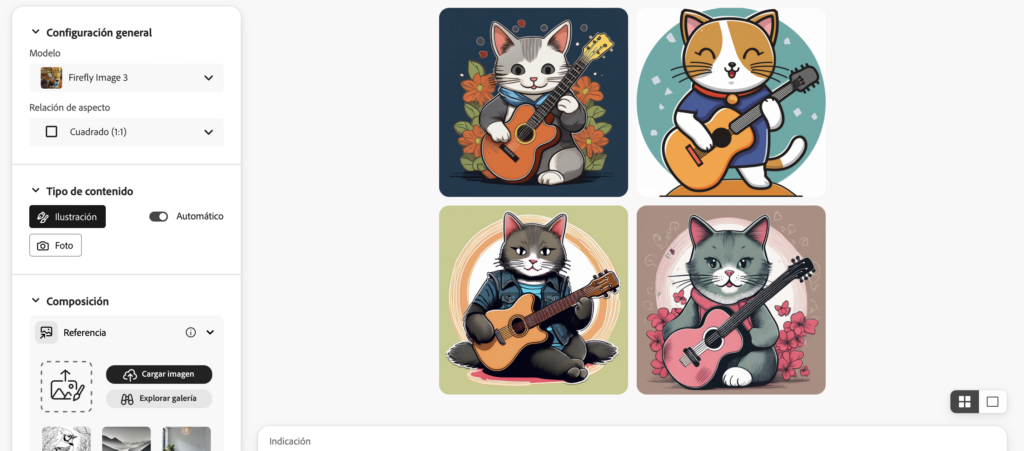
I keep doing tests to see how the IA of Firefly when I ask for something more realistic, to see if it defines me a more image style. And as you can see, it shows me a slightly more similar image than the other tools I got.
Artguru.ai testing the generation of images
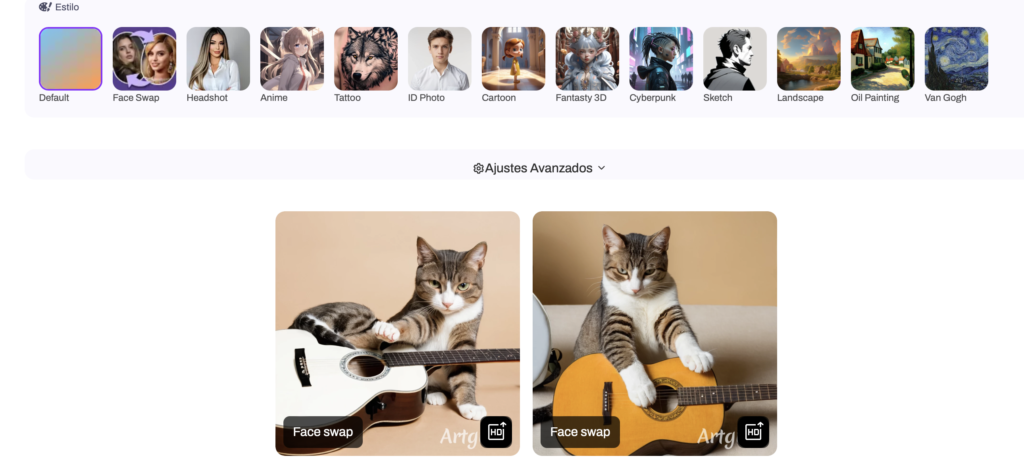
One tool I didn't know before this test is Artguru.ai. The first thing that caught my attention is its simple interface and how it guides you in creating images. For my cat test, Artguru offered me quite original images, with an almost surreal touch.
Artguru specializes in art generated by IA, and it's very useful if what you're looking for is to generate images with different styles like the ones I teach you below:
Bing - Image Creator
One of my favorite tools to generate images is certainly the Bing - Image Creator. What I love about this IA is your ability to create images very detailed and realistic, allowing you to specify styles precisely. I asked for my cat image playing guitar, and Bing Image Creator offered me very realistic and well-defined versions. In addition, as you can see, he added even an environment he considered realistic and adapted to what was requested:
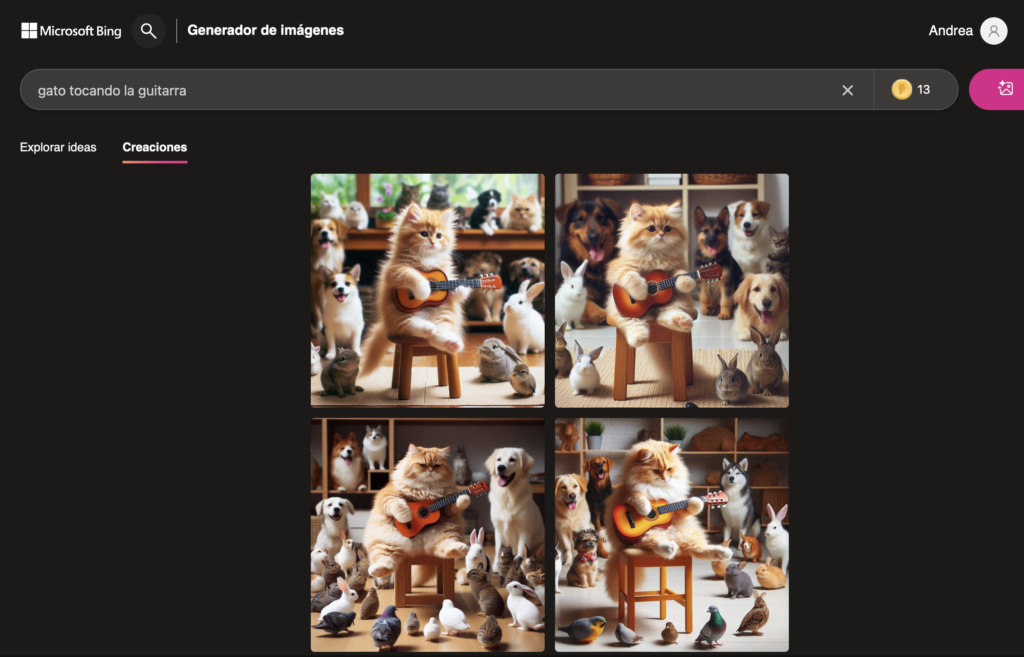
In addition, you can adjust many parameters, such as the type of lighting or the style of the illustration. The ability of this tool to adapt to different styles makes it one of my favorite for when I look for high quality visual results.
Pikaso the image generation IA of Freepik
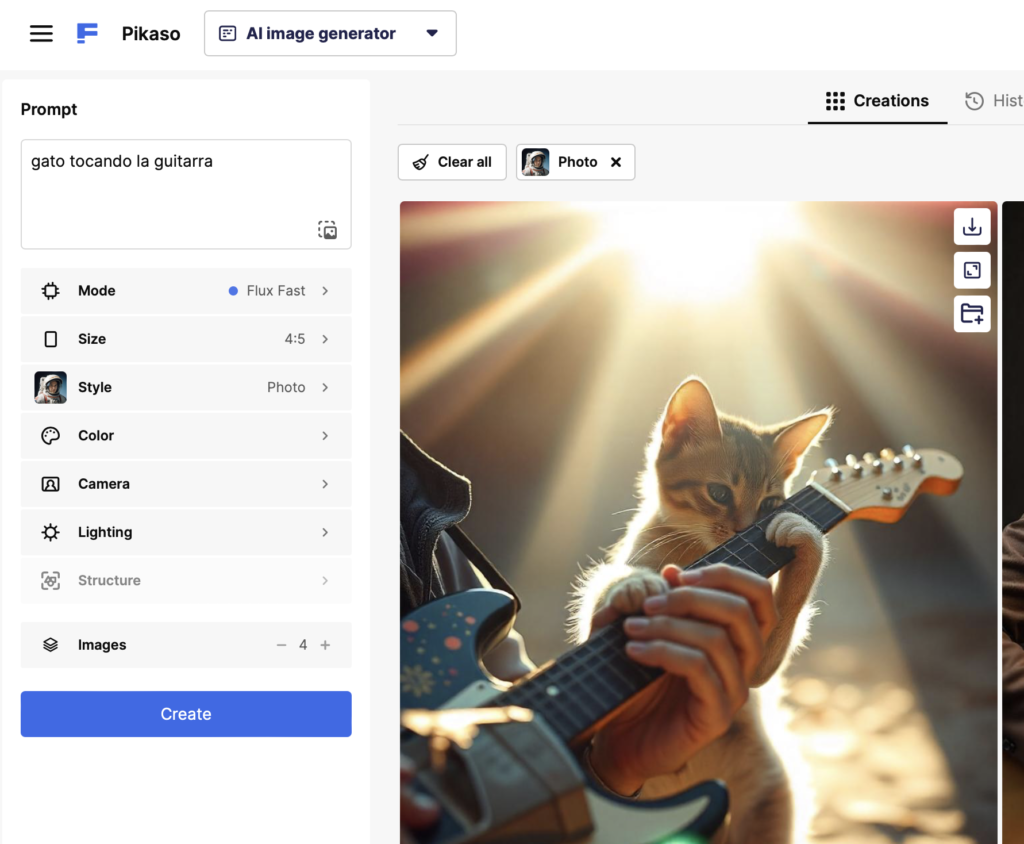
A tool that I had been very recommended and that I could finally prove is PikasoFreepik's IA. What I like about Pikaso is your ability to generate images professional quality. I tried to create the cat with the guitar and, as expected, offered me several options with excellent details and finishes.
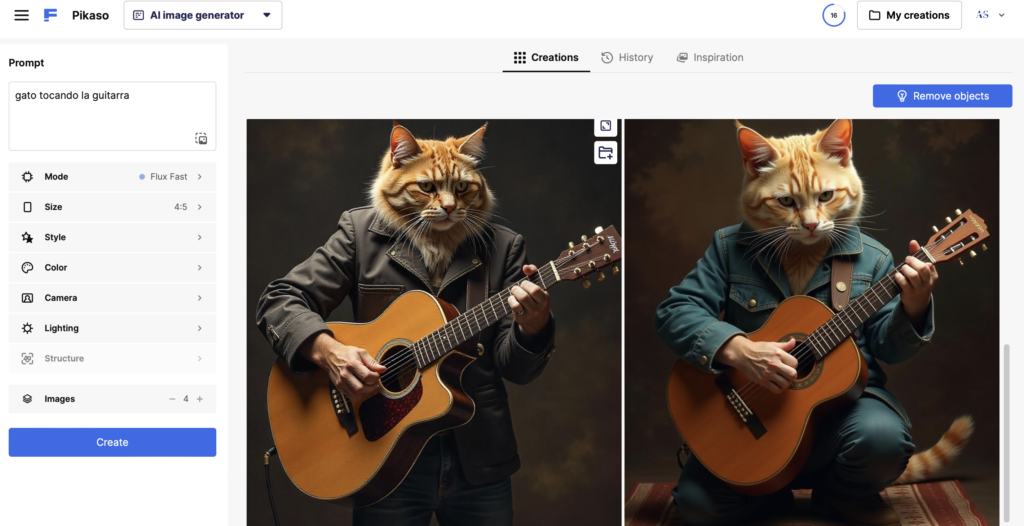
The best of Pikaso is that you have a lot of options to define the image style and adjust parameters according to what you're looking for. It is ideal for those who need quality results for professional projects. I did a second test by a little more information and the truth that the result was the most realistic:
PicsArt: Beyond the Image Edition
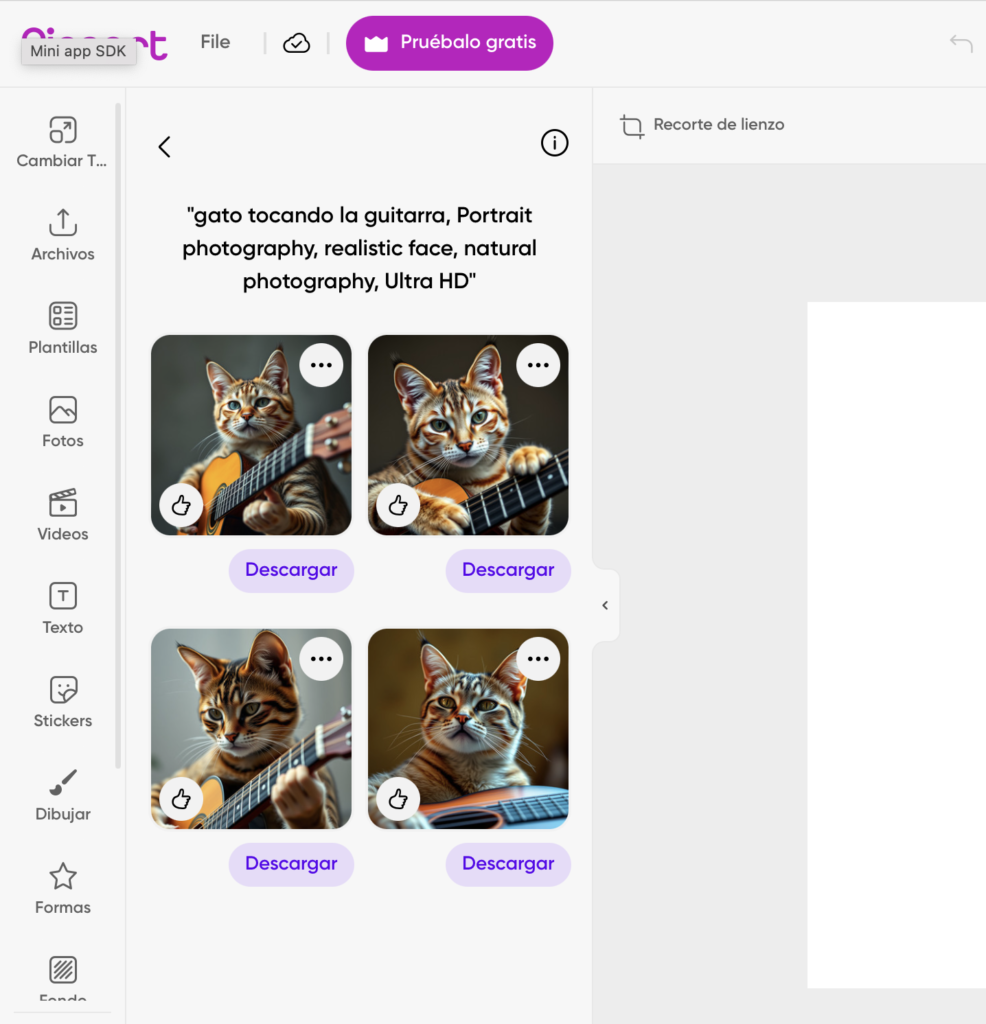
PicsArt is a tool that he had used before for the editing of photos, but he did not know his ability to generate images with IA. I decided to try it and I was pleasantly surprised. PicsArt He gave me a more artistic version of the cat playing guitar, with a modern and fresh style.
The good of PicsArt is that not only can you generate images from scratch, but it also has powerful editing tools, which makes it ideal to retouch your creations quickly.
Photor as an image generation IA
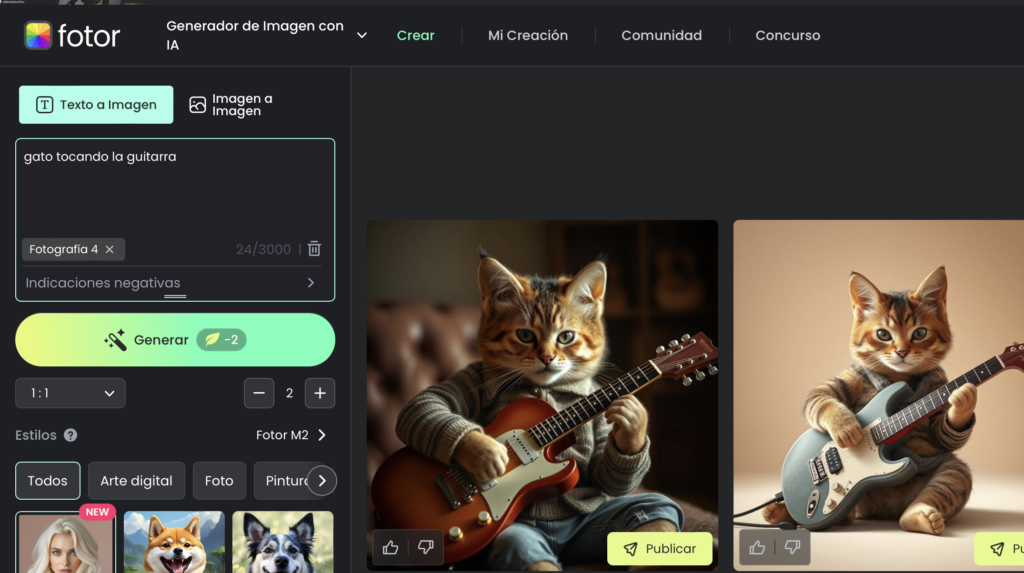
Finally, I wanted to try a tool I had heard little about, PhotorAnd the truth is, it was a surprise. I asked for my image of the cat playing the guitar and offered me very fun versions and colorful, almost as if they were coming out of an animated cartoon.
Photor is excellent if you are looking to create images with a more cheerful and carefree touch. In addition, like other tools, it allows you to adjust styles and add effects to further customize your creations.
After testing all these tools Image Generation IAI realized that each has its own style and strengths. The choice of the best tool will depend on the type of image you need.
Most of these tools offer free versions or test creditsSo I encourage you to try them all and decide which one best suits your needs. Creativity has no limits to the A of image generation!
UX / IU Designer and Digital Marketing Specialist
Creating intuitive experiences and effective strategies.