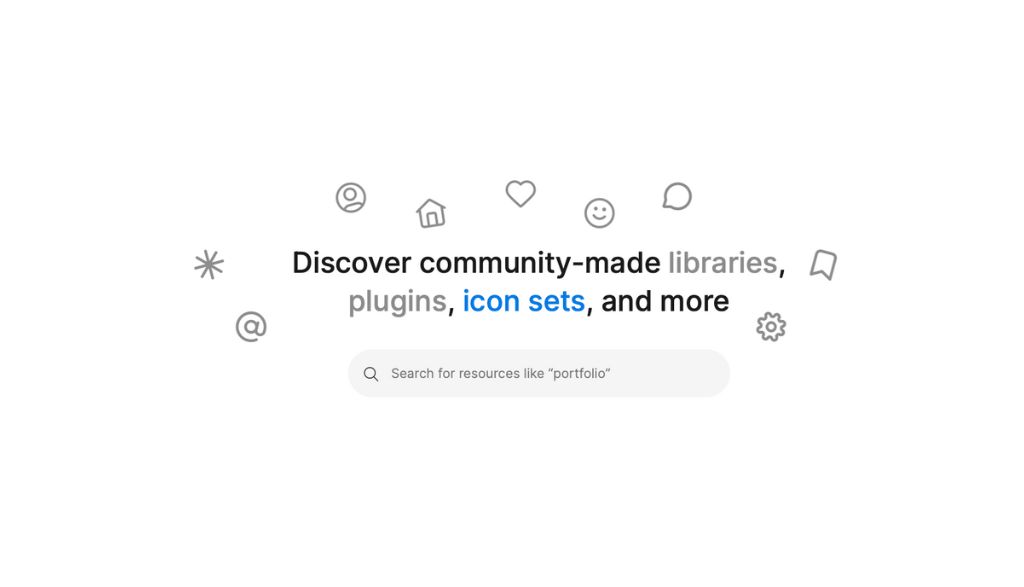
Figure not only is it one of the most powerful tools for collaborative design in real time, but it also has a active and vibrant community that offers Insufficient resources for designers of all levels. If you don't know the Community of Figure, you are losing an invaluable opportunity to improve your skills, optimize your workflow and find solutions that will help you highlight in your projects.
Whether you're looking for templates, wireframes guides or useful plugins, the Community of Figure has everything you need to raise your work to the next level. You can access all these resources directly by visiting Figure Community.
Then I guide you by some of the key sections of the community and how you can make the most of them.
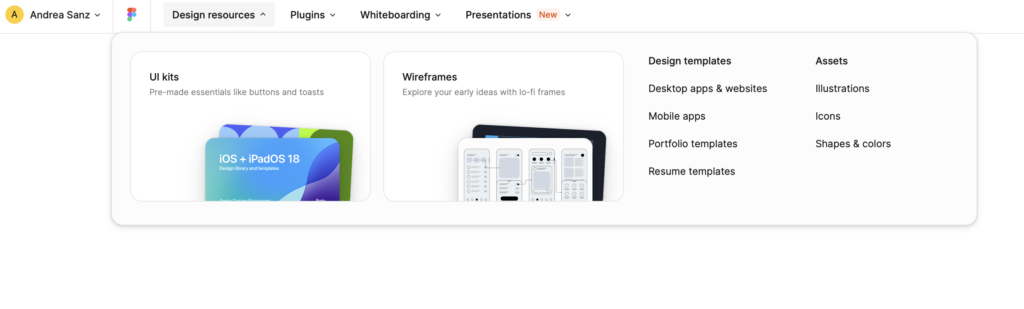
Design Sources: UI Kit, Guides and Design Resources
The section Design Sources is one of the most useful starting points for designers looking for resources ready to use in Figure. Here you will find UI kits, style guides and design resources that allow you to speed up your creative process. Some of the resources highlighted include:
- IU Kit: They are collections of predesigned user interface components, ideal for projects in different sectors, from mobile applications to business dashboards.
- Design guides: If you are learning or need visual references, design guides allow you consult full projects, understand how they are structured and how they are optimized for different platforms.
- Wireframes: If you are in the early stages of a design project, you can find wireframes that will help you establish the basic structure of your project before you enter the visual details.
The best thing about this section is that you can open files directly in Figure, make a copy for your own use or simply consult the original file as a reader. This flexibility allows you to experiment with different approaches and styles without leaving the platform.
Plugins: Tools to Optimize Your Work
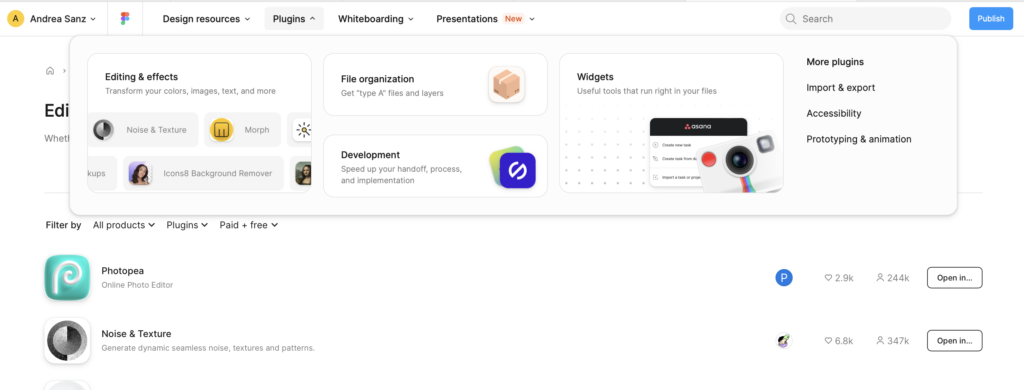
Another of my favorite sections in the Community of Figure is the Plugins. Here you can find a wide range of tools that will help you automate repeated tasks, improve your workflow and facilitate the creation of projects without having to leave Figure. Some of the most useful plugins include:
- Content Reel: This plugin allows you add realistic content to your designs with just a few clicks. You can quickly insert text, images or even icons without leaving Figurewhich helps you to more efficient prototyping and realistic.
- Unsplash: A plugin that provides you with direct access to thousands of high-quality images to use in your projects. With this plugin, you can search and insert images rights-free directly from Figurewithout having to search another platform.
- Autoflow: If you are working on User flows or diagrams complex, Autoflow is an essential tool. It allows you create arrows and connections between different screens or elements automatically, facilitating the visualization of navigation and interaction within your design.
- Stark: A crucial plugin for designers focused on the accessibility. Stark helps you check the color contrast, simulate different types of daltonism and make sure your design is accessible to all users.
With the plugin section in Figure, you can customize your design experience and optimize each stage of the process, from prototypes to final review.
Whiteboarding: The Space for Ideas and Collaboration
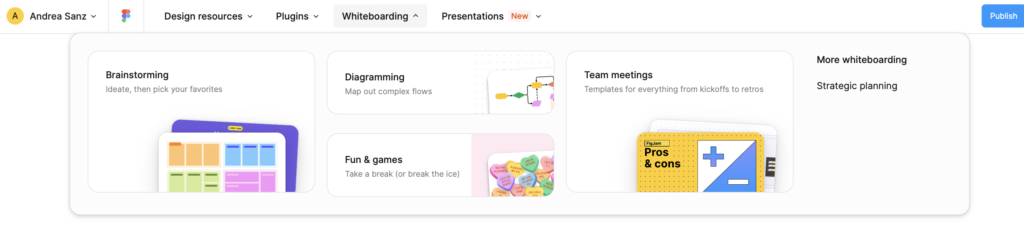
The section Whiteboarding is perfect for those times when you need brainstorming, organize ideas or collaborate with your team visually. Within this category, you can find different templates and resources that facilitate the use of virtual white boards to generate ideas and organize information.
- Mental maps: With these resources, you can create mental maps easily, allowing you to disaggregate complex ideas into more manageable and visually clear pieces.
- User flows: If you need to structure the navigation flows o project diagrams, this section has perfect resources to view and develop user tours quickly and efficiently.
This section is ideal if you work on a remote computer or distribute your work collaboratively, as it allows create real-time diagrams with other team members, adding notes and comments directly about the file.
Presentations: Show your Style Work
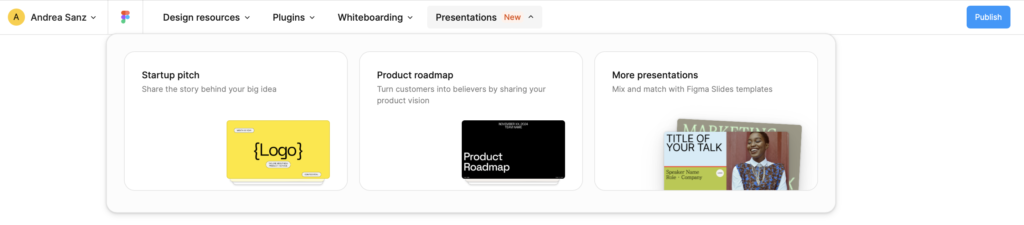
The recent incorporation of the Presentation Section in the Community of Figure It's been a real game change. Now you can find templates specifically designed to create professional presentations within Figure. Forget to jump between different programs to make a visually attractive presentation; with these resources you can do everything in one place.
- Presentation templates: Here you will find templates fully customizable to show your projects to customers, internal teams or stakeholders. You can design interactive slides that reflect the identity of your project and show your results in a clear and visually attractive way.
- Visual Storytelling: In addition to being aesthetically attractive, many of these templates are optimized to help you tell a clear visual history, with a structure that guides your audience through the key ideas of the project.
This new section facilitates the creation of presentations without leaving Figure, keeping all your content and resources in one place, which also saves time and improves consistency in the design.
Explore and take advantage of everything that the Community Figure You have to offer
The Community of Figure is an invaluable resource for any UX / IU designer who seeks to improve his work process, inspire himself to other professionals or access useful tools. With sections like Design Sources, Plugins, Whiteboarding, Presentations and Templates, you have access to a universe of resources that you can implement directly in your projects, all within Figure.
It doesn't matter if you're starting or if you're already an experienced designer, the Community of Figure offers everything you need to grow and optimize your workflow.
Visit the Figure Community, explore the different sections and start making the most of these resources.

UX / IU Designer and Digital Marketing Specialist
Creating intuitive experiences and effective strategies.