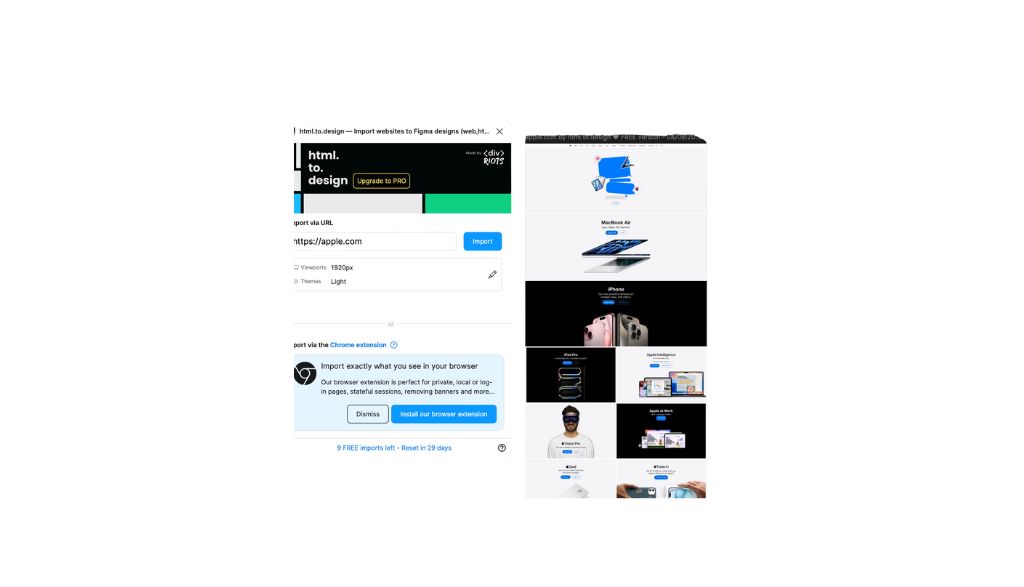
I recently discovered a plugin of Figma that has changed the way I work with web designs: html.to.design. East of Figure allows to replicate the complete design of any website on Figure, simply from a URL. Yeah, that simple!
A tool to create and innovate
What I love about this plugin is that it's not about copying or plagiarism, it's about taking advantage of its creative potential to generate new ideas and combinations. It allows you to analyze and understand how other websites are structured, which turns out to be an incredible source of inspiration to improve our own design proposals.
By replicating the design of a web on Figure, we can disaggregate each of its elements and learn from its structure, which gives us the freedom to create from a solid base. This process is excellent for explore new ideas, understand current trends and, above all, take our designs to the next level.
How It Works: An Example with Apple's Web
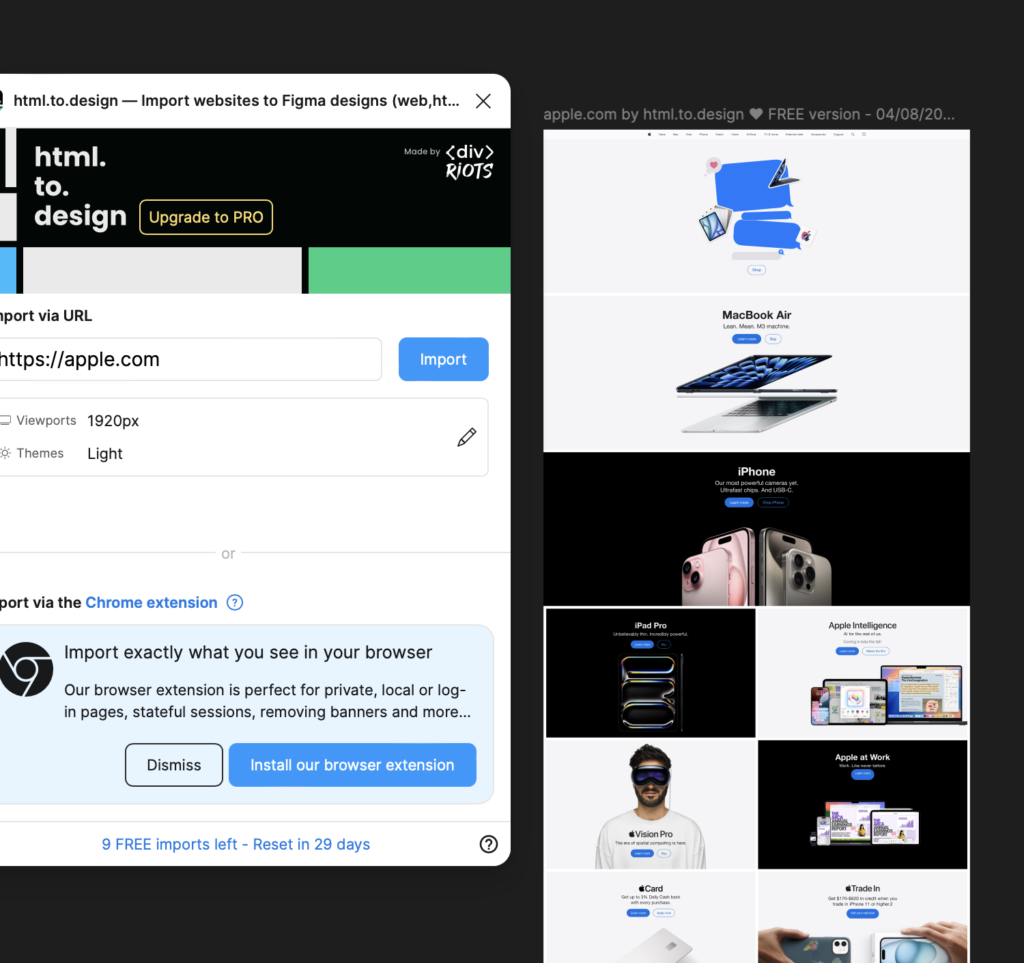
To show you how it works, I used the plugin html.to.design with the Apple website. The process is quite intuitive:
Incorporate URL: First, you insert the URL of the relevant website into the plugin, such as the Apple website.
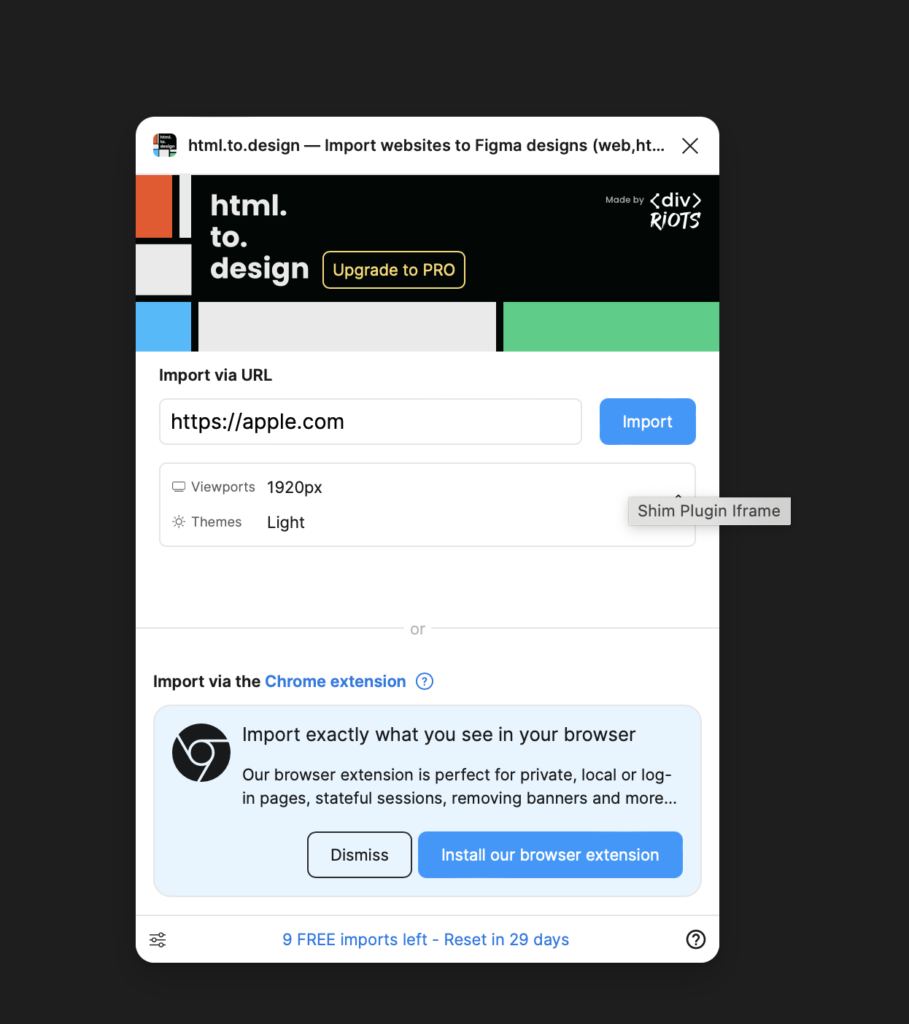
Load Typographs: The plugin then allows you to automatically incorporate the typographs necessary for the design to Figure remains true to the original.
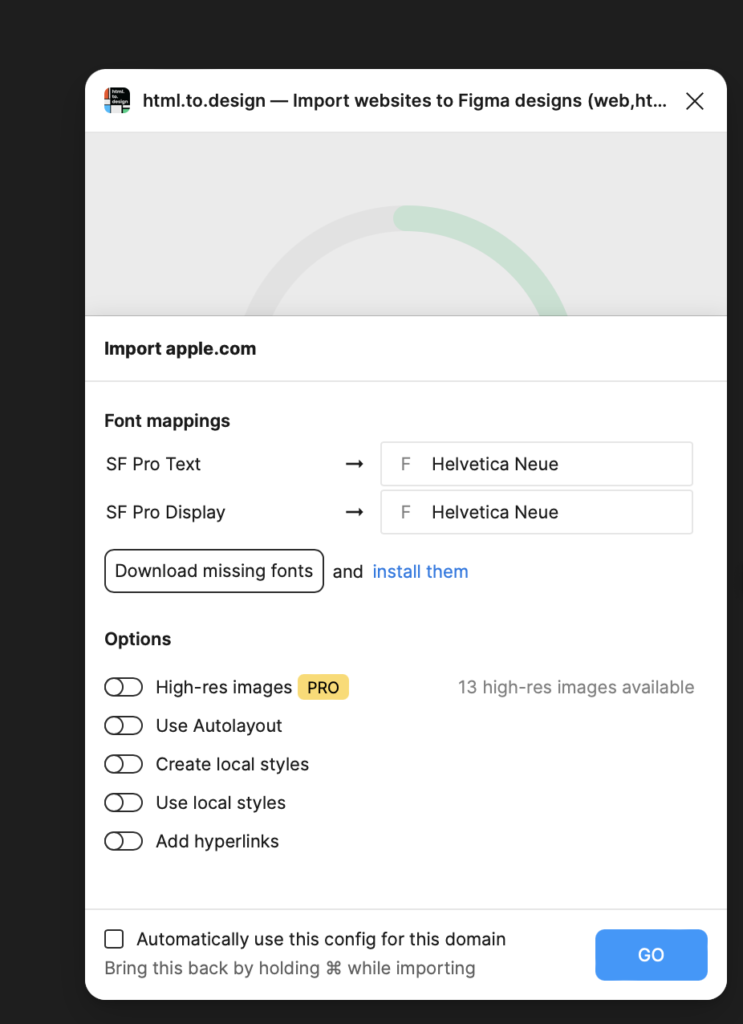
Get the Design: Finally, it gives you the complete design in Figure, ready for you to edit, modify and use as a basis for your own projects.
Free Functions and PRO
The plugin html.to.design has PRO functionalities that expand its potential, but with the free version you can explore how it works and download up 10 free designs.
But for those who need more intensive use and access to advanced features, the PRO plan de html.to.design is the ideal option. This plan not only supports the continuous development of plugin, but also includes:
- Unlimited imports: Download as many designs as you need without restrictions.
- Images in high resolution: Capture and edit images with a higher quality, essential for professional projects.
- Multiple import: Works with multiple URLs or .h2d files simultaneously, saving time and effort.
- Reimport from URLs with one click: It quickly updates the designs without having to start over.
- Premium support: Access priority assistance to resolve any doubt or problem.
- HTML hover component mapping: Keep the interactive functionality of the components of the page on Figurefacilitating the creation of more realistic prototypes.
With these functionalities, the PRO plan becomes an essential tool for design professionals who seek to maximize the efficiency and quality of their projects in Figure.
I am excited about the possibilities this plugin offers and I would love to know the experiences and opinions of other designers who have also tried it. If you haven't, I encourage you to explore it.
I expect your comments and see what creations come out of this fantastic tool!

UX / IU Designer and Digital Marketing Specialist
Creating intuitive experiences and effective strategies.