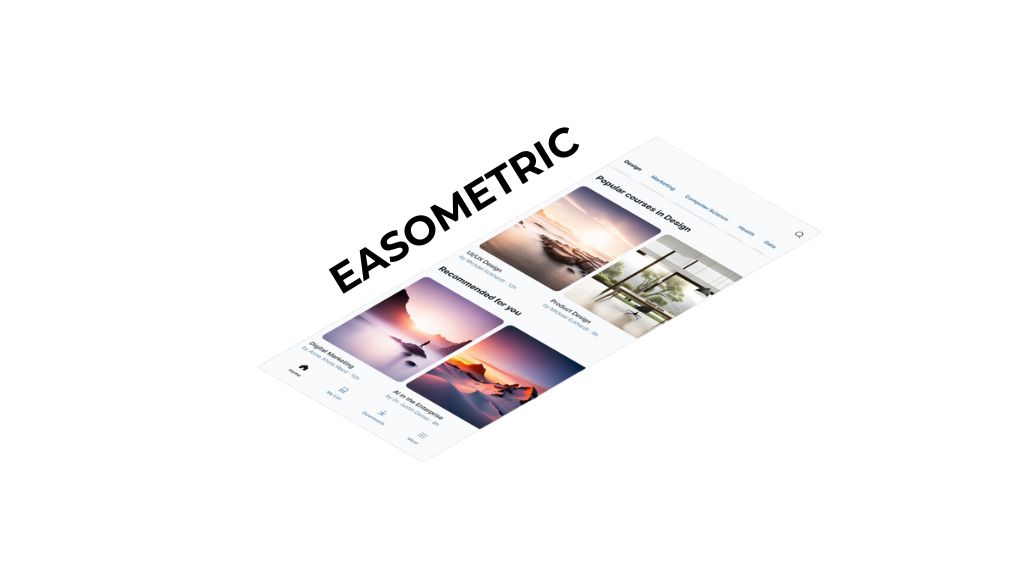
Today I want to share my experience with Eatypical, a of Figure that I've been using recently and that has revolutionized the way I present my designs. This plugin offers the ability to transform any work in an isometric way with just one click, providing a unique perspective and a distinctive touch that elevates the design to the next level.
What is Easbyric and why use it?
Eatypical is a tool specifically designed for those who seek to add an extra dimension to their work in Figure. By converting flat designs into isometric, this plugin allows designers to experiment with new perspectives, resulting in more dynamic and visually attractive compositions.
Whether you're working on user interfaces, illustrations, or graphics, Eatometric offers a simple and effective way to give your work a professional turn.
How Eastetric works
Use of Eatypical It's incredibly simple and direct. Here's how it works:
Find the plugin «Eatypical»: Search the plugin gallery «Eatypical» And have your design ready to work with him.
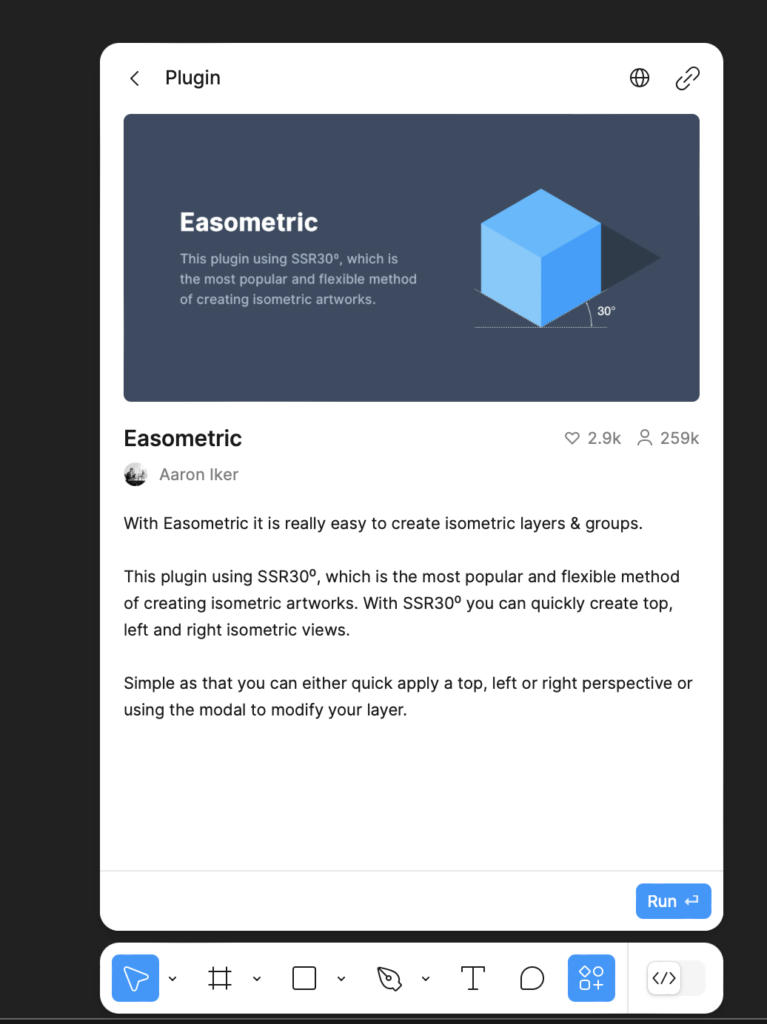
Select the element: Start by selecting the object or group of objects in your file Figure you want to transform.
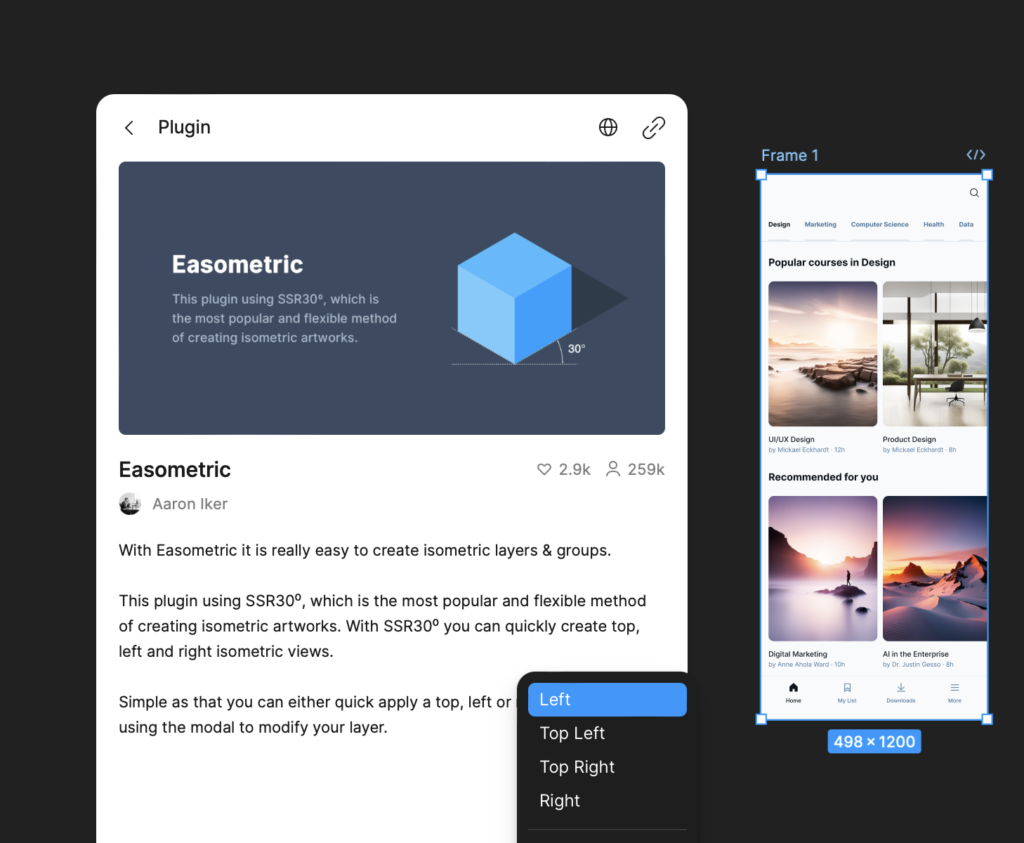
Apply Isometric Transformation: With the selected object, simply activate the plugin and choose the direction in which you want to apply the isometric perspective. Easometric offers several options to adjust the design orientation, allowing you to create different angles of view.
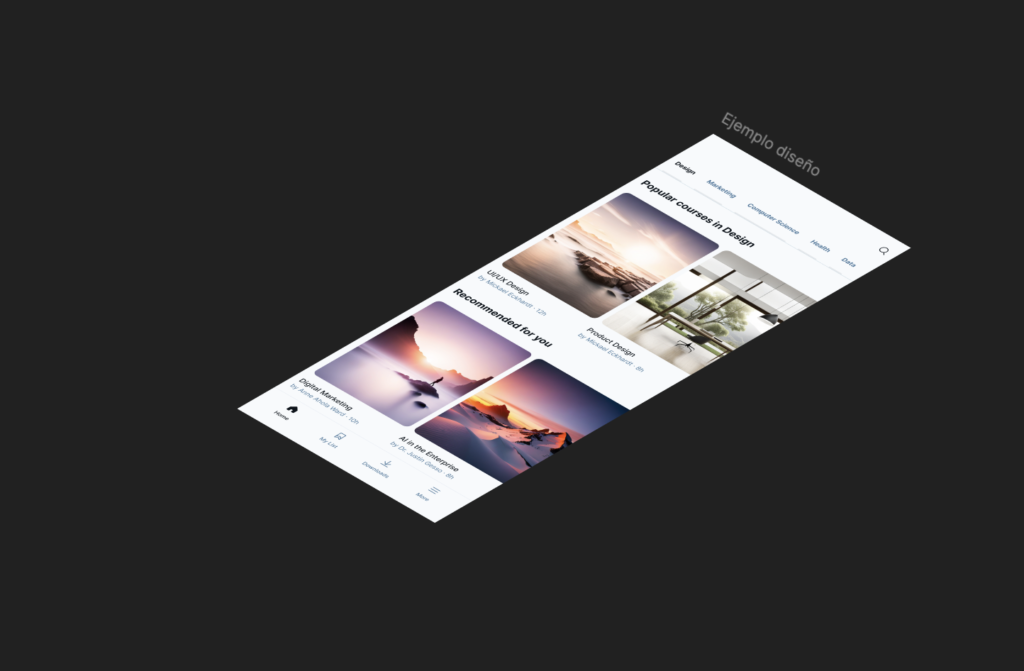
Once the transformation is applied, you can adjust the parameters to perfect the isometric perspective until it is perfectly adapted to your design needs.
Featured features of Eacastric
The plugin not only is it easy to use, but it also comes loaded with a number of functionalities that make it essential for any designer who wants to explore new ways to present his work:
- Automatic Isometric Transformation: Convert any design into an isometric composition with a single click, saving time and effort compared to the manual creation of these views.
- Various Angles of View: offers multiple perspective options, including left, right, upper and lower view angles, allowing great flexibility in how you present your design.
- Customization of Perspective: Adjust and sharpen the parameters of isometric transformation to achieve the exact result you seek, ensuring that your design maintains its visual integrity.
- Application in Several Capes: The plugin works in individual groups and layers, which means that you can apply isometric effects to multiple elements of a design simultaneously.
- Simple integration: Easometric is perfectly integrated into your workflow in Figure, which allows you to access and use the tool without interrupting your usual design process.
Eatypical is an amazing tool to give a professional and distinctive touch to your designs in Figure. Personally, it has allowed me to transform simple designs into much more attractive and dynamic compositions. If you haven't tried it yet, I encourage you to do it and explore its possibilities.
Has any of you experienced with Eatypical?

UX / IU Designer and Digital Marketing Specialist
Creating intuitive experiences and effective strategies.